By Rahul Dhakate · PMP & PSM I Certified · 15 Aug 2026 · learnxyz.in
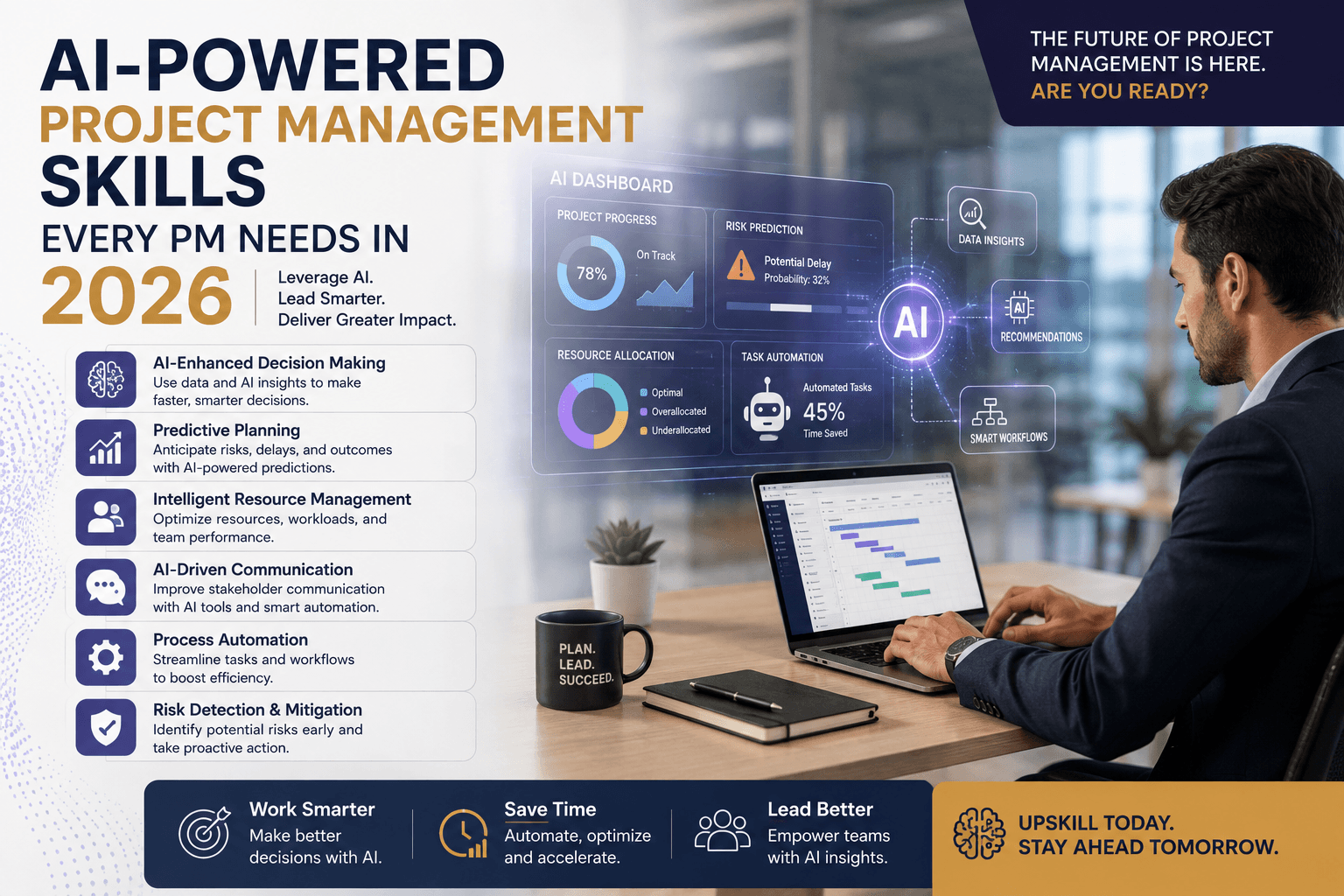
Every project manager is now being asked — implicitly or explicitly — to be an AI user. But there is a significant difference between a project manager who experiments with AI occasionally and one who has genuinely integrated AI into how they work. The first is a tourist. The second has a competitive advantage.
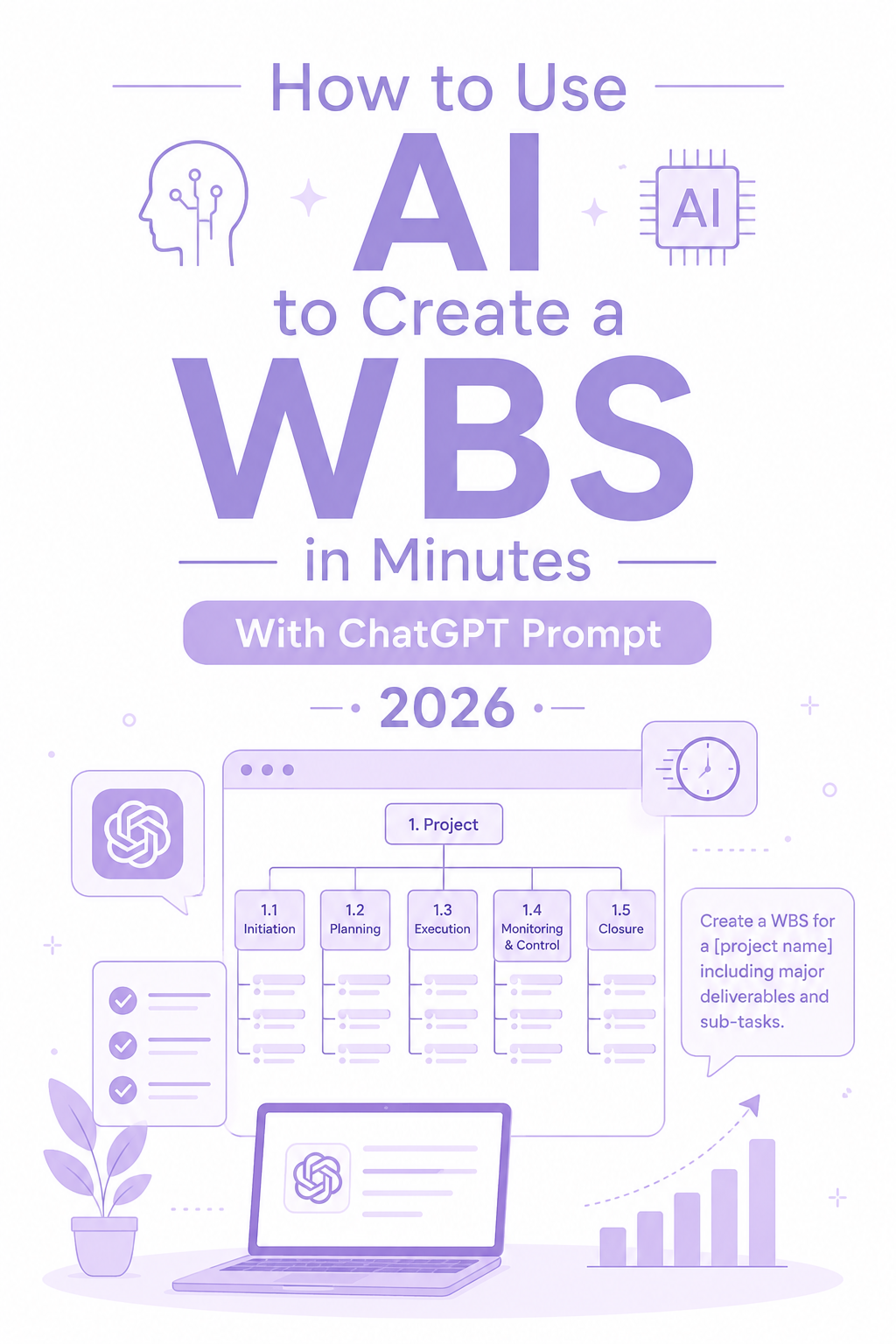
In building Artpic.in and managing the product and project work around it, I have used ChatGPT and DeepSeek extensively — for content generation, for coding support, for resolving specific development challenges, and for accelerating feature delivery. What I have found is that the single most important skill separating effective AI users from occasional ones is not which tool you choose. It is whether you have mastered the art of prompt creation and execution.
All of these AI tools — ChatGPT, DeepSeek, Claude, and others — are excellent for generating content and helping with coding when used properly. The key is prompt creation. You need to learn how to instruct the AI to get the desired output. Without that skill, you are using a powerful engine at 10% capacity. With it, you can do things that would have taken a full day in under an hour.
Skill 1: Prompt Engineering — The Foundation of Everything
Prompt engineering is the ability to communicate with AI systems in a way that produces useful, accurate, and appropriately formatted output. It is not about knowing a secret formula — it is about understanding how AI tools interpret instructions and structuring your requests accordingly.
A poorly written prompt: ‘Write a status report.’ A well-written prompt: ‘You are a project manager writing a weekly status report for senior stakeholders at a Fortune 500 financial services company. The project is a SaaS platform delivery, currently Amber status due to a two-day schedule delay caused by a third-party API integration issue. Write a professional 250-word report with clear headings for: Status Summary, This Week’s Progress, Next Week Plan, Risks, and Decisions Required. Be direct — do not soften the delay news.’
The difference in output quality between these two prompts is enormous. The skill of writing the second version — providing role context, project context, audience context, format requirements, tone guidance, and specific content structure — is what makes AI genuinely useful versus generically mediocre.
| Prompt Element | What It Does | Example |
| Role assignment | Tells AI who it is — changes the perspective and expertise level of the output | You are a PMP-certified project manager… |
| Context | Gives AI the project specifics it needs to be relevant | The project is a 6-month SaaS platform delivery with 8 developers… |
| Audience | Defines who will read the output — changes tone, vocabulary, detail level | Writing for the client’s VP of Technology and CFO… |
| Format specification | Tells AI exactly how to structure the output | Write with these sections: [list]. Use bullet points for risks. Maximum 300 words. |
| Tone guidance | Prevents AI from defaulting to generic corporate language | Be direct. Do not use passive voice. Do not soften bad news. |
| Constraint | Limits or focuses the output | Only cover this sprint. Do not include historical context. |
Skill 2: Tool Selection Judgment
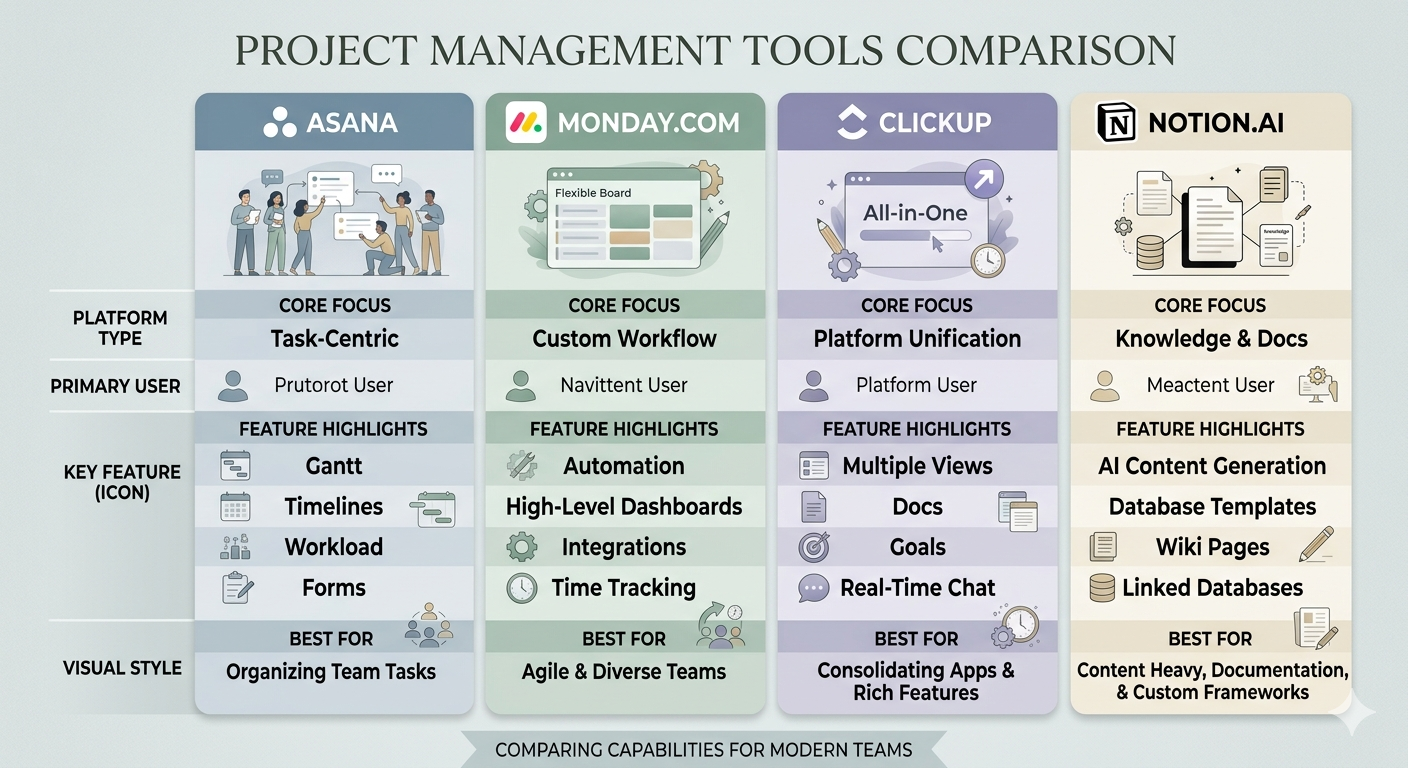
There is no single AI tool that is best for every project management task. The effective AI-using PM knows which tool to reach for in which situation — and this judgment itself is a skill worth developing deliberately.
There are different tools like Claude Code and others that facilitate coding requirements and assist with development really quickly. The same principle applies across all PM tasks — the right tool for the right task produces significantly better results than using one tool for everything.
| Task | Best Tool Choice | Why |
| Complex coding problems and development support | DeepSeek or Claude Code | Strongest code generation and debugging capability |
| Long-form document creation | ChatGPT GPT-4o or Claude | Best at maintaining coherence across long documents |
| Quick content generation and drafts | ChatGPT | Fast, reliable, widely used — good default for most writing tasks |
| Research with current web data | ChatGPT with web search or Perplexity | Access to current information beyond training data |
| Project-aware queries (tasks, risks, status) | ClickUp Brain or Wrike AI | Direct integration with your actual project data |
| Meeting transcription and summaries | Fathom, Fireflies, or Otter.ai | Purpose-built for audio processing and action item extraction |
| Professional communication tone check | Grammarly | Specifically tuned for business writing quality |
Skill 3: Output Validation
Effective AI users treat AI output as a first draft requiring review, not a finished product requiring only formatting. This distinction is not obvious to occasional AI users who tend to either trust AI output completely or distrust it completely.
The right mental model: AI produces an excellent 70-80% solution very quickly. Your job is the final 20-30% — checking facts, adding context-specific detail that AI cannot know, adjusting tone for your specific audience, and ensuring the content is actually accurate. The combination of AI speed and human judgment produces better results than either alone.
Skill 4: Workflow Integration
The difference between a PM who experiments with AI and one who uses it effectively is integration. Effective AI use is not reaching for ChatGPT occasionally when something is difficult. It is having AI embedded into your regular workflow for the tasks where it consistently saves time.
A typical AI-integrated PM workflow:
- Morning: review overnight messages and ask AI to draft responses to the three most complex ones
- Before standup: ask ClickUp Brain or your PM tool’s AI to summarise overnight task updates
- After standup: paste notes into ChatGPT and generate cleaned action items and follow-up email in two minutes
- During sprint planning: use AI to generate user stories from feature briefs, then review and refine
- End of week: feed weekly data to AI and generate status report draft in five minutes
Skill 5: Knowing What AI Cannot Do
Counterintuitively, one of the most important AI skills is knowing when not to use it. AI is not appropriate for:
- Stakeholder conversations requiring genuine human presence and emotional intelligence
- Decisions that require accountability — AI can inform the decision but cannot own it
- Situations where factual accuracy is critical and verification time exceeds the AI time saving
- Any communication where the recipient’s trust depends on knowing a human wrote it personally
The PM who says they use AI for everything is not telling the truth or is not using it well. The PM who can articulate specifically what they use AI for, why, and what they deliberately do not use it for — that person is demonstrating genuine AI fluency, not just familiarity.
About the Author
Rahul Dhakate is a PMP and PSM I certified project manager and product management leader based in Nagpur, India, with 20 years of experience managing software projects across BFSI, eCommerce, and enterprise software. He uses ChatGPT and DeepSeek extensively in his product and project management work at Artpic.in, applying AI across coding support, feature development acceleration, content generation, and technical problem resolution. He writes at LearnXYZ.in about PMP exam prep and AI tools for modern project managers.
Upcoming Article: PMP Plus AI Certification — Should You Get Both in 2026?
Does this interest you?